

- FL Studio, Remix, Remove Vocals, Stem Separation, Workflow
- Catducer
FL Studio Stem Separation in 2026: Rip Vocals, Flip Stems, Finish Remixes Faster
Intro
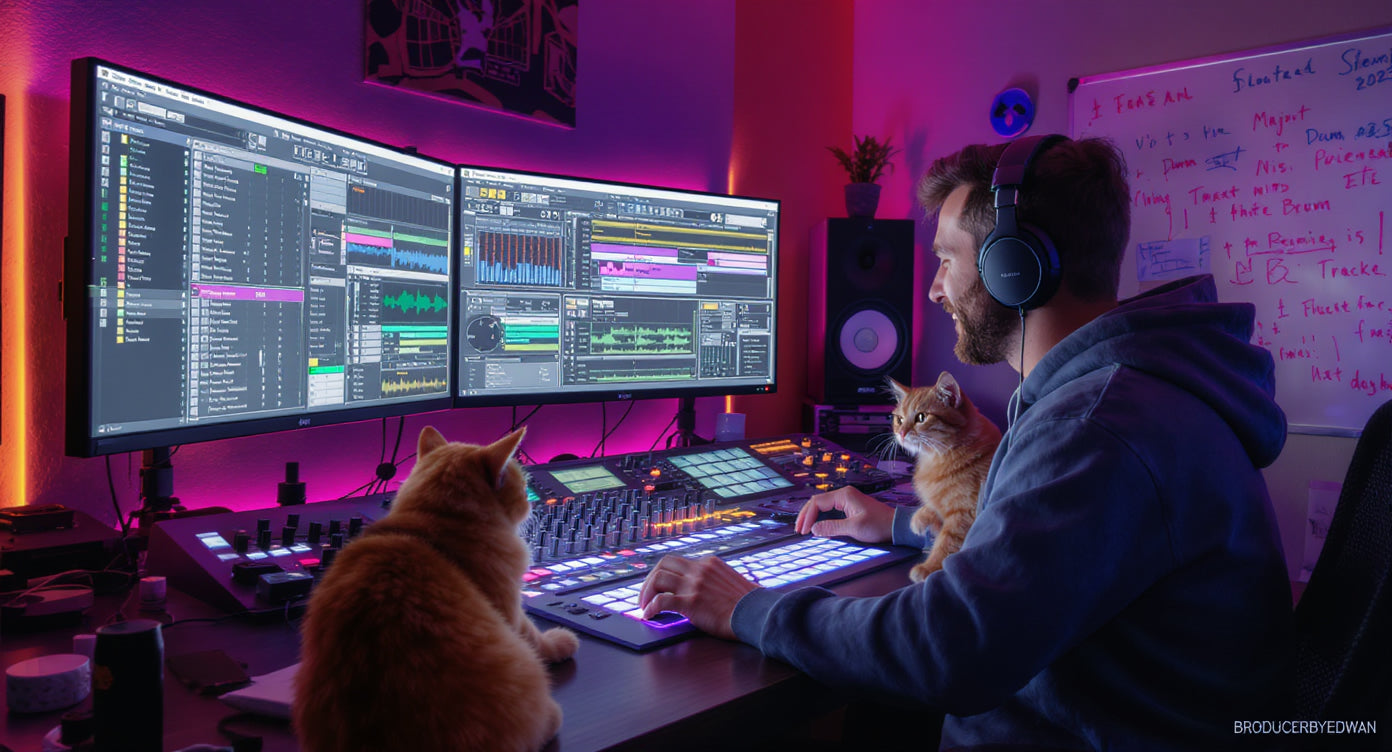
Yo Broducers, Catducer here. If you have ever said I wish I could just grab the vocals from this track, or isolate the drums, or make an acapella for a remix, welcome to the golden era: FL Studio stem separation. This guide is built for real use: remixes, edits, bootlegs, practice mixing, and getting unstuck. Not lab talk. Quick 2026 inspo: KVR has been dropping news on tools like FRCTL GRN (granular effects) and the URSA Major Space Station SST-206 reverb. Cool. But stem separation is the real cheat code because it turns any reference track into raw material you can learn from and flip.
What Stem Separation Is (And What It Is Not)
Stem separation tries to split a full song into parts like vocals, drums, bass, and other instruments. It is not magic. - It will create artifacts sometimes (watery highs, phasey tails, weird cymbals). - It will be cleaner on some songs than others. It works best when: - The mix is not ultra-squashed - Vocals are centered and clear - Drums are punchy and not buried It struggles when: - Heavy reverb on vocals - Busy, layered synth stacks - Distorted guitars or wide chorus effects everywhere
Step 1: Prep Your Audio the Smart Way (Before You Separate Anything)
Do this first so the separation result is cleaner: 1) Use the best source you can (WAV is better than MP3) 2) Avoid YouTube rips if possible (compression artifacts become separation artifacts) 3) Trim silence and align the first transient to the bar 4) Set the correct BPM in FL Studio and enable time stretching if needed Pro habit: Save a new project called TrackName - STEMS so you do not destroy your main session.
Step 2: Run Stem Separation (Fast Workflow)
In FL Studio, use the built-in stem separation workflow to generate stems like: - Vocals - Drums - Bass - Other Tips for better results: - If you get multiple quality modes, start with higher quality for final stems - If you only need a quick idea, use faster mode for speed After export, immediately rename the files: - TrackName - Vocals - TrackName - Drums - TrackName - Bass - TrackName - Other This saves your future self from rage.
Step 3: Clean the Stems (So They Sound Less AI-ish)
This is where most producers quit. Do not quit. Do 3 quick fixes: 1) EQ cleanup - Vocals: high-pass around 80-120 Hz, cut harsh fizz around 6-10 kHz if needed - Drums: cut low mud around 200-400 Hz if it got boomy 2) Gate or expander vibes - If the vocal stem has background junk between phrases, use a gentle gate/expander approach so it stays natural 3) Phase and mono checks - Some stems get weird in mono. Check mono and reduce stereo width on the problem stem if needed Extra sauce: If you want to turn garbage artifacts into art, throw a granular effect on the messy stem for texture. KVR just covered FRCTL GRN, a granular plugin designed for rhythmic glitch and textures. That is literally perfect for hiding stem artifacts in a musical way (with attribution: KVR News).
Step 4: The Two Best Use Cases in FL Studio
Use case A: Make a clean remix or bootleg - Keep the original vocal stem - Replace drums and bass with your own - Rebuild chords with your own synths - Use sidechain to make your new groove breathe Use case B: Learn mixing by reverse engineering - Separate a reference track - Level-match stems so nothing clips - Analyze how loud the vocal is vs drums - Rebuild your own track using the same balance If you want finished FLPs to learn routing and mixing faster, use: https://broducerbyedwan.com/products/fl-studio-track-finisher-bundle-5-complete-templates-vocal-mixing-stock-plugins-only
Step 5: Common Problems and Fixes (No Drama Edition)
Problem: Vocal stem has reverb and it sounds smeared Fix: Use a shorter room reverb on your new mix so the vocal sits, and cut harsh highs. Sometimes a tiny bit of saturation helps. Problem: Cymbals in the drum stem sound like underwater tinfoil Fix: Low-pass the drum stem slightly or layer your own hats and cymbals on top. Problem: Bass stem is weak or missing notes Fix: Use it as a guide and re-create the bass with your own synth. Or duplicate the bass stem and add subtle saturation. Problem: The separated stems do not align perfectly Fix: Zoom in and nudge the stem start. Render again once aligned. Problem: You want to record vocals on top of a separated instrumental Fix: Use a vocal template so you are not rebuilding the chain every time: https://broducerbyedwan.com/products/fl-studio-vocal-chain-preset-stock-plugins-only-pro-recording-template
Mini Challenge: Flip a Stem Into a 30-Minute Idea
Timer on. Do this: 1) Separate stems from a track you love 2) Mute the drums stem 3) Build a new drum groove (kick, clap, hat) 4) Add a new bassline that follows the original chord rhythm 5) Bounce an 8-bar loop If you get stuck finishing, do not fight your brain alone. Use structure: https://broducerbyedwan.com/products/fl-studio-track-finisher-bundle-5-complete-templates-vocal-mixing-stock-plugins-only
FAQ
Q: Can I legally release a remix if I separate stems from a commercial track? A: Usually no, not without rights/permission. Use stem separation for practice, learning, edits for private DJ sets, or for tracks you have permission to remix. Q: Why do my separated vocals sound metallic? A: The source is likely compressed, reverby, or busy. Reduce highs, use gentle saturation, and consider layering your own doubles or harmonies. Q: What is the best file type for stem separation? A: WAV or other lossless formats. MP3 can work but often creates more artifacts. Q: Can I use stem separation to make my own acapellas for content? A: Yes for practice and content experiments, but be careful with copyright if you publish.
Final Word
If you want the fastest path from idea to finished track, pair stem separation with a finish-first template workflow. Grab the FL Studio Track Finisher Bundle: https://broducerbyedwan.com/products/fl-studio-track-finisher-bundle-5-complete-templates-vocal-mixing-stock-plugins-only And if you want direct help cleaning stems, rebuilding the instrumental, or making the remix actually release-ready, book a session: https://broducerbyedwan.com/products/1-1-coaching-sessions-with-edwan
Thank you for reading, Broducer! Feel free to leave any questions about stem separation in the comments down below!
Catducer & Edwan